
For schools
A digital programme for every classroom, from Grade 9 to Grade 12
WeLearn gives your school a complete, curriculum-aligned set of lessons, labs and games for the classroom screen, plus notes and quizzes for every student. Start with one grade and grow from there.
12
subjects
42
courses, Grades 9–12
1,609
lessons with notes
325
unit quizzes
What your school gets
Everything a classroom needs, in one place
Smart lesson boards
Ready-to-present boards for the interactive TV, built around a lesson: objectives, warm-up, notes, video, lab, flashcards and exit ticket.
Virtual labs
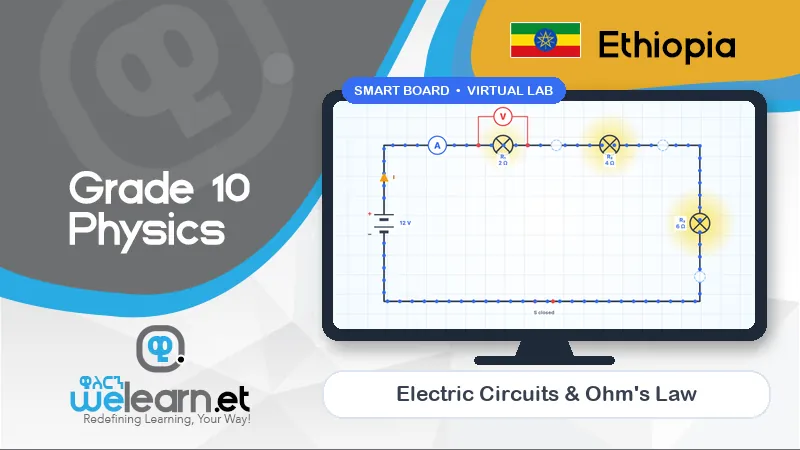
11 interactive 3D labs in physics, chemistry, biology and maths — no equipment, no consumables, no breakages.
Classroom games
9 team games for maths, science, English, history and IT, used inside the lessons they practise.
Study notes and quizzes
Notes for every lesson and a quiz for every unit — 1,950 questions with instant marking.
Works on phones
Students continue at home on any phone. A QR code on the screen opens the same lesson.
Progress you can see
Lesson completion and quiz scores for every student and class, so leaders know where help is needed.
Roles
The right access for every person
WeLearn has separate access for the people in your school, so each sees and changes only what they should.
School admin
Manages classes, teachers and students, and sees whole-school progress.
Teacher
Presents boards, runs labs and games, assigns and reviews quizzes.
Student
Studies lessons, notes and labs, and takes quizzes.
Content creator
Builds and edits lessons and boards for the school.
How it works
From first demo to whole-school roll-out
- 1
Demo at your school
We run a real lesson on your own classroom screen with your teachers and leadership team.
- 2
Set up
We create your school on WeLearn, add your classes, teachers and students, and check your screens and connection.
- 3
Train teachers
A hands-on session: presenting boards, running labs and games, assigning quizzes and reading progress.
- 4
Pilot
Start with the grades and subjects you choose for one term, with support from our team.
- 5
Review and roll out
We look at usage and quiz results together, then extend to the rest of the school.
Packages
Choose how to start
Every package includes teacher training. Ask us for a quote for your school.
Try WeLearn with one grade
Pilot
- One grade, all its subjects, for one term
- Smart boards, virtual labs and classroom games
- Notes and quizzes for every student in the grade
- Teacher training and launch support
Grades 9–12, every subject
Whole school
- All 42 courses and 1,609 lessons
- Accounts for every teacher and student
- Progress and quiz results for every class
- Ongoing training and priority support
Platform plus classroom set-up
Smart classroom
- Everything in Whole school
- Help choosing and setting up interactive TVs
- Maths-lab teaching-aid kits
- On-site launch for each classroom
FAQ
Questions schools ask us
How much does WeLearn cost for a school?
Pricing depends on the number of students and grades and whether you need classroom set-up. Book a demo and we will send a quote for your school.
Can we start with one grade?
Yes. Most schools start with a one-term pilot for one grade, then extend to the rest of the school once teachers are comfortable.
Do teachers need special training?
If a teacher can use a phone, they can use WeLearn. We still run a hands-on training session so every teacher can present a board, run a lab and assign a quiz on day one.
What do students need?
Nothing at school beyond the classroom screen. At home, any phone, tablet or computer with a web browser opens their lessons, notes and quizzes — they can scan the QR code shown in class.
Who can see student data?
Each school has its own space on WeLearn. Students see their own work; teachers and school administrators see their school's classes. We do not sell student data.
See WeLearn in your own classroom
We will bring a demo to your school: a lesson on your interactive TV, a virtual lab and a classroom game, with your own teachers.