
For teachers
Walk in, press Present, teach.
Your lesson is already on the board: objectives, warm-up, key notes, a video, a live lab, flashcards and an exit ticket. Make it yours, then teach from the front of the room.
Your toolkit
Everything for the lesson, on one screen
Present mode
Step through the board frame by frame on the TV. Big text, clean layout, made for the back row.
Board blocks
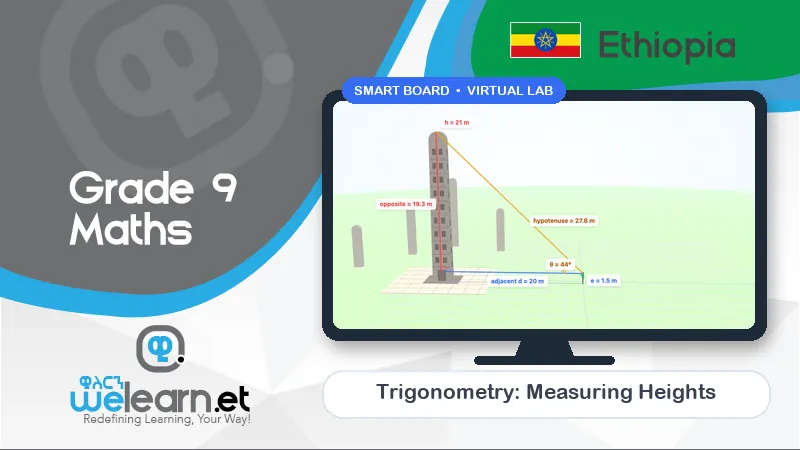
Notes, to-do lists, YouTube videos, flashcards, stickers and live labs — drag them onto your board.
Class timer
Built-in countdown and Pomodoro timers for group work and exit tickets.
QR to every page
Put any lesson, lab or board on the screen as a QR code for students to open at home.
Edit anything
Rewrite notes, add your own examples, upload documents and build new boards for your class.
Auto-marked quizzes
A quiz for every unit with instant feedback, so you know who needs help before the test.
Team games
Two teams, one screen. Games that make revision loud, fast and fun.
AI help for students
Students can ask questions about a lesson and get answers drawn from WeLearn's own notes.
Every lesson
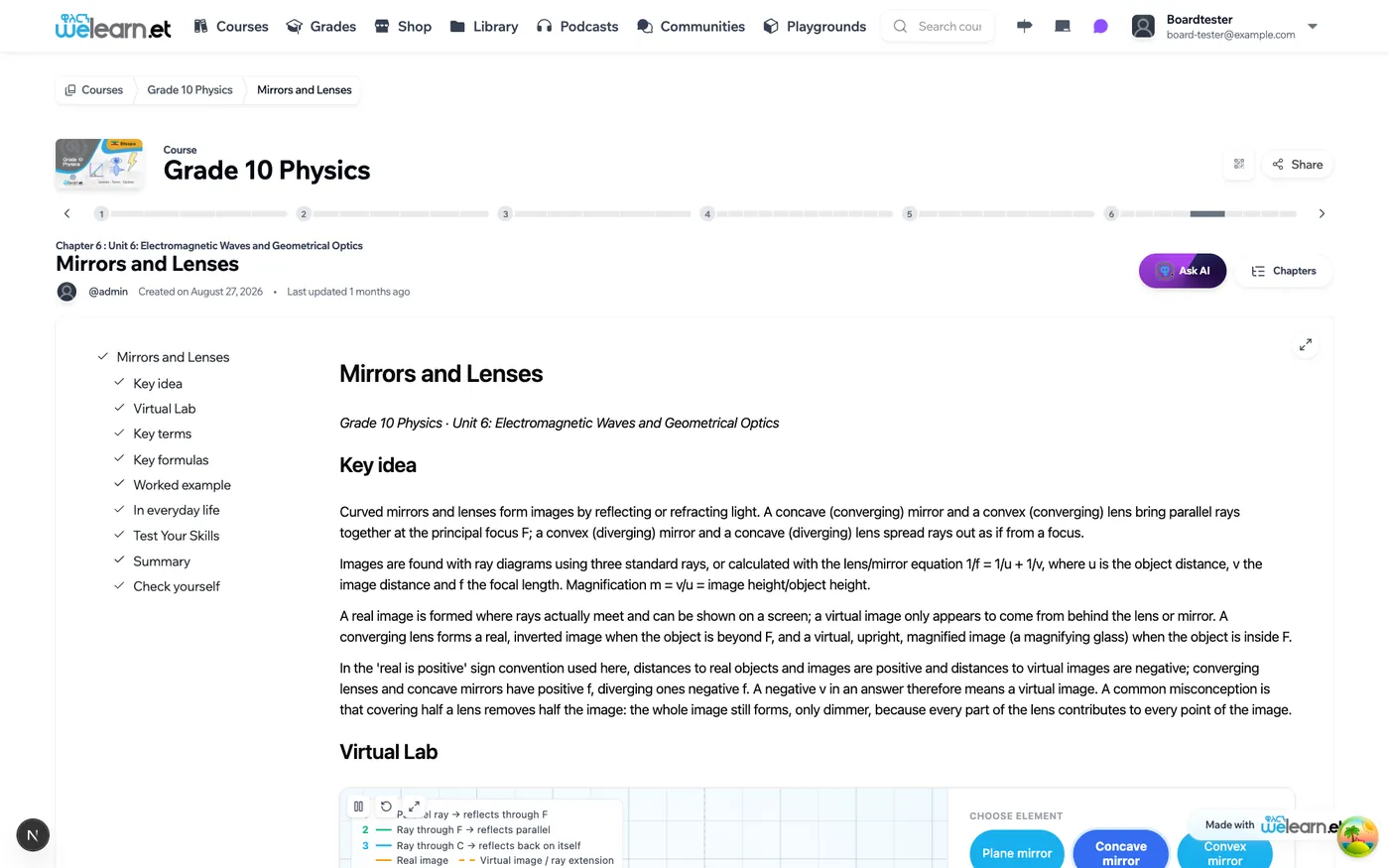
Notes that follow your textbook
Each of the 1,609 lessons has full study notes written to the unit and topic in the Ministry of Education textbook — key ideas, terms, formulas, worked examples and a self-check.
- Key ideas and key terms in plain English
- Formulas and worked examples, step by step
- Virtual lab or classroom game where one fits the topic
- Check-yourself questions at the end
FAQ
Questions teachers ask us
Do I have to build the lessons myself?
No. Every Grade 9–12 lesson already has study notes, and the boards, labs and games are ready to use. You can change anything — add your own notes, examples, videos or questions — but you don't have to.
Can I use WeLearn without an interactive TV?
Yes. A projector or a normal TV connected to a laptop works. An interactive (touch) screen lets students come to the board and use the labs and games with their hands.
How do students join from their phones?
Show the QR code for the lesson, lab or board on the screen. Students scan it with their phone camera and the same page opens for them.
Are the quizzes marked automatically?
Yes. There is a quiz for every unit — 1,950 questions in total — and students get their score and the correct answers straight away.
Bring WeLearn to your classroom
Ask your school to book a demo — or contact us and we will reach out to your school leadership.