
Smart classroom
The screen at the front of the class, finally doing the teaching work
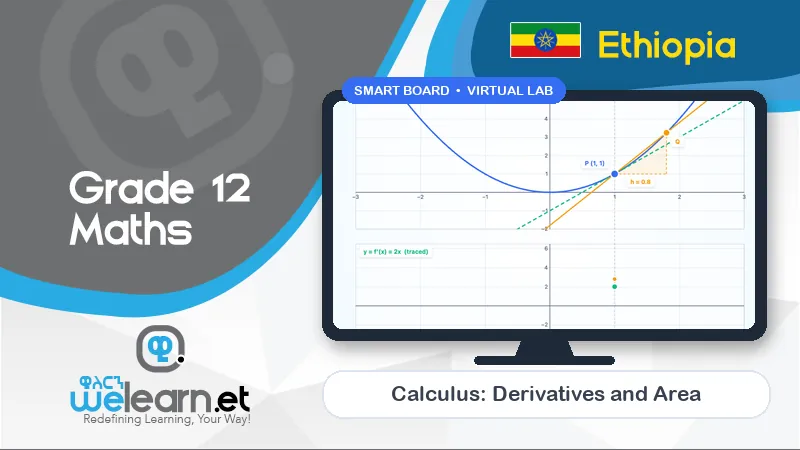
Many schools have interactive TVs that are only used as whiteboards. WeLearn fills them with 11 ready-made smart lesson boards (and counting), live labs and team games for every Grade 9–12 subject.
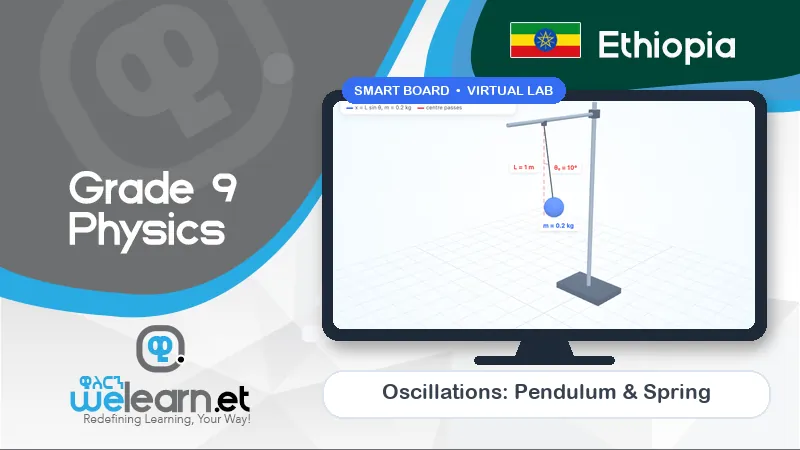
On the TV
Built for touch, big text and the whole room
Present mode
One click turns a board into full-screen slides the whole class can read.
Touch labs
Students come to the board to drag, rotate and measure inside the 3D labs.
Two-team games
Each side of the screen is a team. Fast questions, a live score, a winner.
Timers
Countdown and Pomodoro timers on the board for group work and exit tickets.
QR codes
Show any lesson or lab as a QR code; students scan it to continue at home.
Any device
The same lesson works on the TV, a laptop and a phone.
Projector friendly
No interactive screen yet? A projector and a laptop work too.
One connection
A single connection for the classroom screen is enough to teach.
Ready-made boards
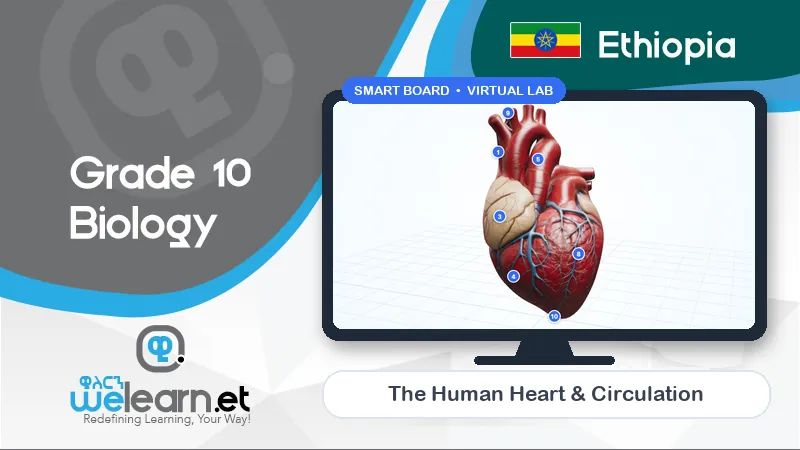
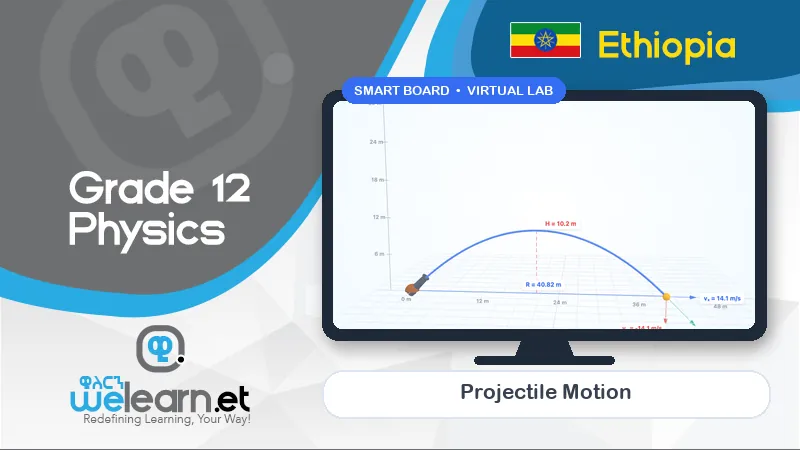
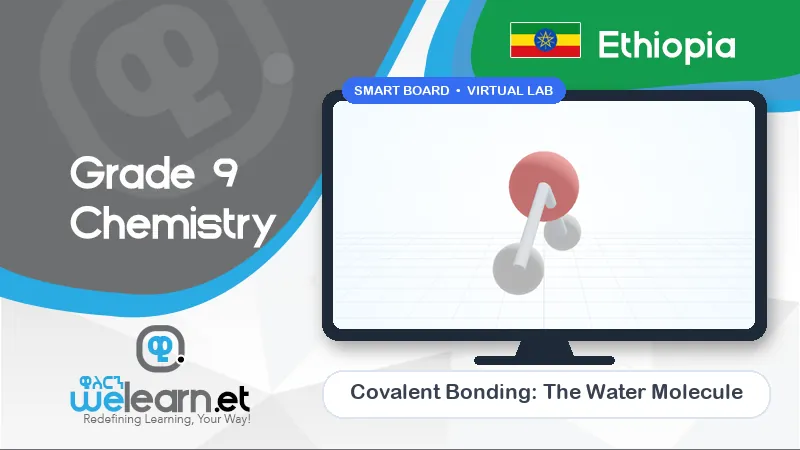
Lesson boards for the topics students find hardest
Hands-on too
Teaching-aid kits for the maths lab
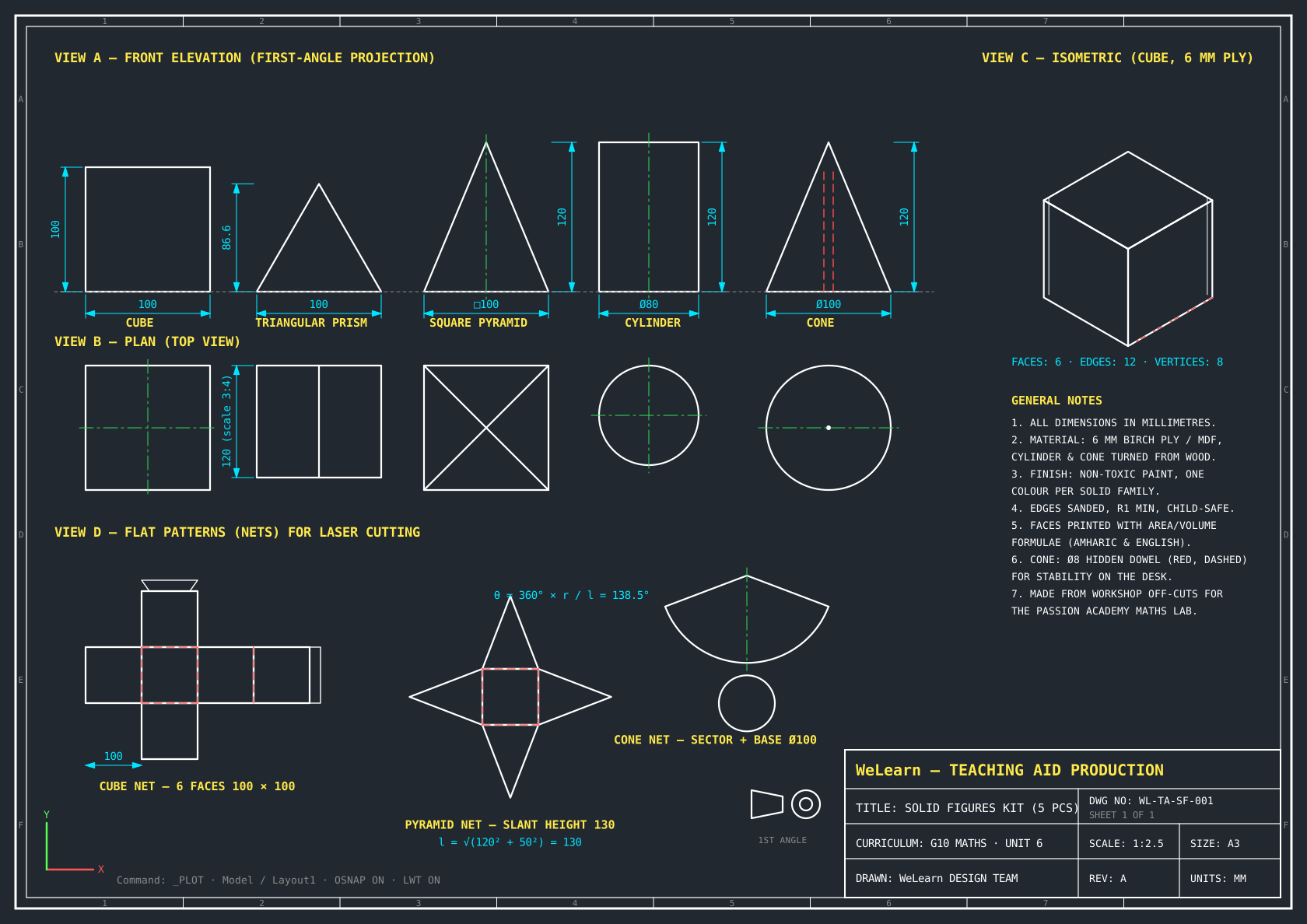
Screens don't replace holding a shape in your hands. Our solid-figures kit was designed and built in Passion Academy's maths lab from workshop off-cuts, and pairs with the 3D solids virtual lab.
- Prisms, pyramids, cylinders, cones and spheres
- Built from workshop off-cuts, sized for classroom use
- Matched to the Grade 10 surface area and volume unit
FAQ
Smart classroom questions
Which interactive TVs does WeLearn work with?
Any interactive display or smart TV with a modern web browser, or any screen connected to a computer. WeLearn runs in the browser, so there is nothing to install on the screen.
We only have a projector. Can we still use WeLearn?
Yes. Connect a laptop to the projector and use the mouse. Touch makes it easier for students to come to the board, but every board, lab and game works with a mouse.
How much internet does a classroom need?
One connection for the classroom screen is enough to teach a lesson. Labs and games load once and then run on the screen itself.
What are the teaching-aid kits?
Physical models for the maths lab — such as the solid-figures kit for surface area and volume — first made at Passion Academy. They pair with the matching virtual lab so students can hold the shape and then explore it on screen.
See it on your own screen
We will come to your school and run a full lesson on the screen you already have.