An interactive TV is only as useful as the lessons on it. These ten routines work in any subject and take little preparation once the content is ready.
1. Open every lesson with the board already prepared
Before students walk in, put the lesson board on the screen: the title, the learning objectives and a warm-up question. Students start thinking as soon as they sit down.
2. Use present mode, not a crowded canvas
A board can hold a lot. In front of the class, step through it one frame at a time in present mode so the text is large and only one idea is visible at once.
3. Ask a warm-up question with a timer
Put a two-minute countdown on the screen next to the question. The visible timer keeps the warm-up short and gives everyone the same deadline.
4. Show, don't just tell — run a live lab
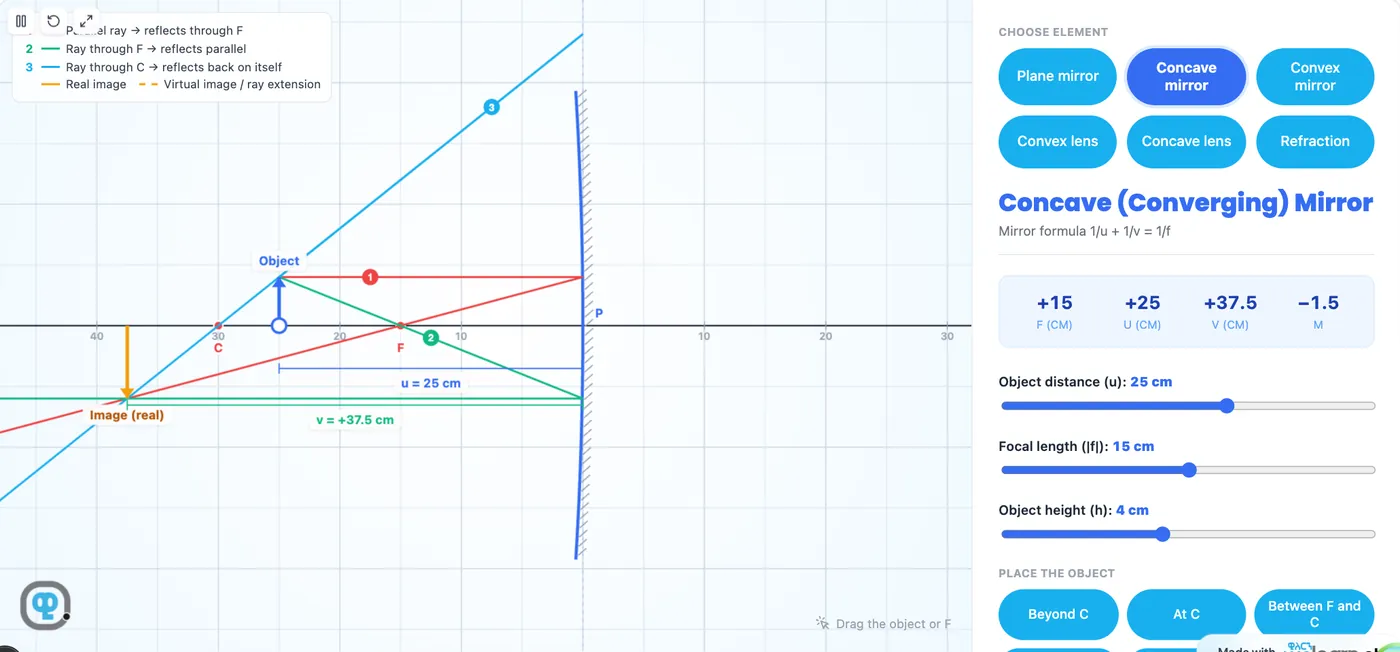
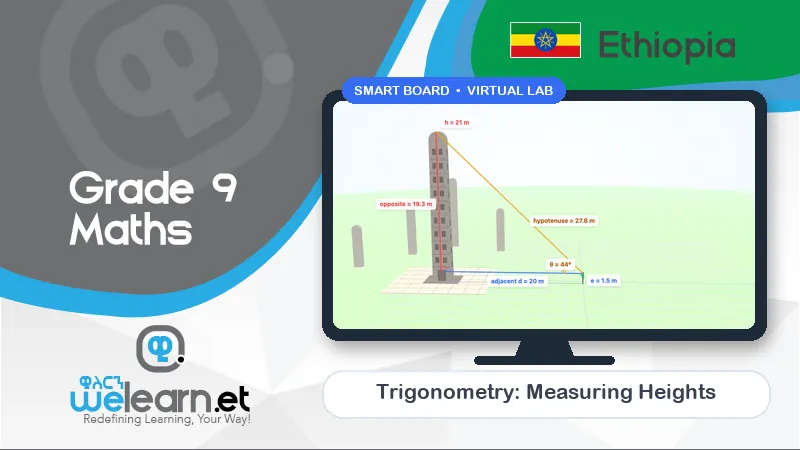
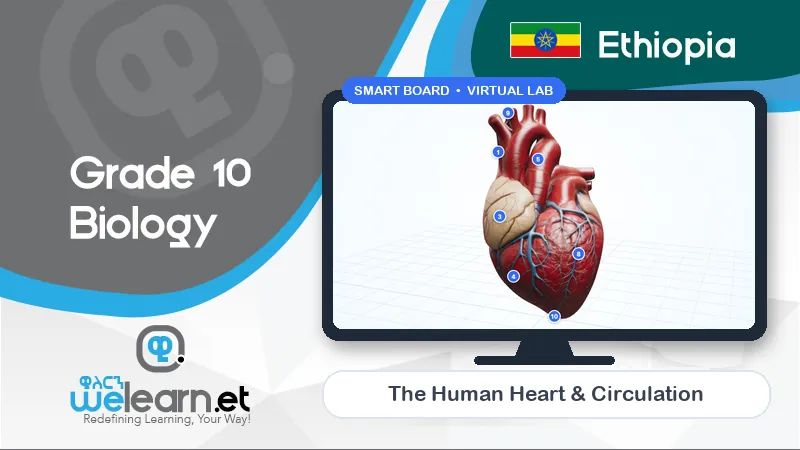
When a concept is hard to imagine, open the virtual lab for it and change one thing at a time while students predict what will happen.
5. Bring students to the board
Touch is the point of an interactive screen. Let students drag, rotate and measure inside the lab, or solve the next step of a worked example on the board.
6. Play a two-team game for revision
Split the class into two teams for a game like Math Tug of War or Element Hunt. Each side of the screen is a team; correct answers pull them ahead. Even quiet students join in.
7. Use flashcards for key terms
Flip through the unit's key terms as flashcards. Ask the class to say the meaning before you turn the card.
8. Put a QR code on the screen at the end
Show the QR code for the lesson. Students who have a phone at home scan it and open the same notes and practice questions to revise later.
9. Close with an exit ticket
Two or three short questions on the screen, answered on paper before students leave, tell you who understood and who needs help next lesson.
10. Save the board and reuse it next year
A board you have improved over a lesson is worth keeping. Next year it is ready again — and colleagues teaching the same unit can use it too.
No interactive TV yet? A projector or a large TV connected to a laptop does almost all of this. Students can still direct the lab while one of them controls the mouse.